Where can I find viral gadget videos?
Paste any Instagram, Facebook or TikTok video link into Phersa. It transcribes the video and breaks it down shot by shot. Track the accounts you follow to get their new videos every day.
Show one thing the product does per video: a setting most owners never open, a desk set up in three pieces, the line to read on a charger. Phersa breaks down any short video you save, shot by shot, and gives you an AI persona to walk through yours, on your own API keys.
Show the feature in use, end on one word to comment, and send the setup guide with the product link by DM. Settings and steps are hard to remember from a video, so the written guide is the reason to comment.
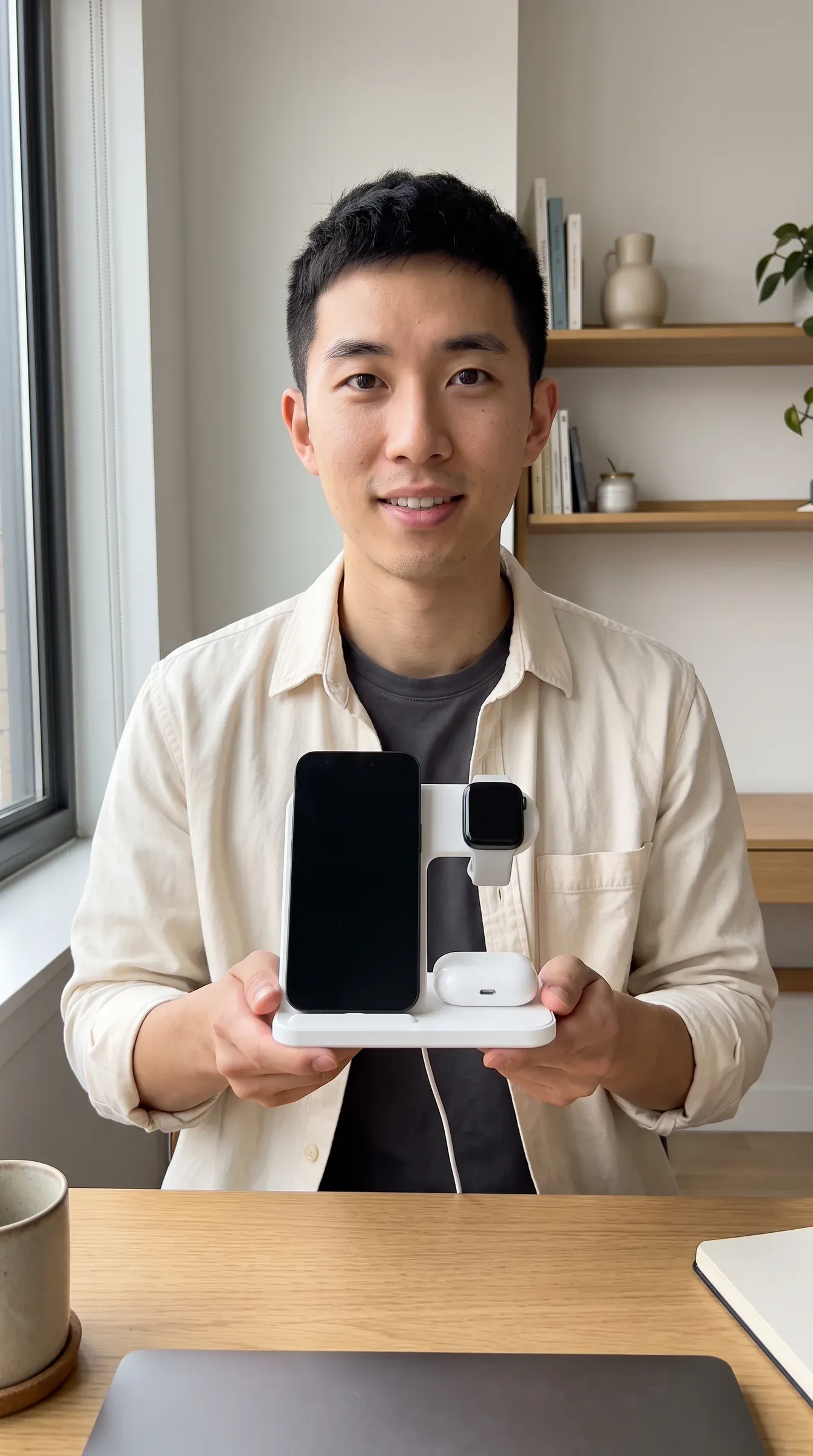
desk.setups.with.jun
One cable, three devices. Comment CHARGE for the setup 👇
Hi! Here’s the desk setup ⚡ 1. One stand, one cable to the wall 2. Phone on the top pad 3. Earbuds case on the base 4. Watch on the side arm
The 3-in-1 stand 👉yourstore.example/products/3-in-1-standOpeners that suit short electronics videos, and three patterns to start your own.
Story shapes that suit short electronics videos, and who can be on screen. Your AI persona can play any of these roles. See AI persona ideas.
Connect your AI agent to Phersa over MCP and ask. It reads the library and plans the clips with your persona; nothing is generated until you confirm.
Save this gadget video to Phersa: [link]. When it is ready, break it down shot by shot: the opening, each shot and the ask at the end.
Tools used: collect-add, video-get
Find the most viewed videos in Phersa’s library that ask viewers to comment a word. Show me how the top three ask for it.
Tools used: discover-search, video-get
Plan a 30-second hidden setting video with my AI influencer. Use my earbuds photo. End with “comment SETUP”.
Tools used: personas-list, assets-list, create-project, create-clip
Paste any Instagram, Facebook or TikTok video link into Phersa. It transcribes the video and breaks it down shot by shot. Track the accounts you follow to get their new videos every day.
No. A review from someone who doesn’t exist is a fake testimonial. Your AI character can unbox it and show how it works. Add your product photo as a reference image on each clip.
Not reliably: generated screens and small text come out wrong. Use a real screen recording for the interface, and your AI persona for the rest of the video.
Only figures from your spec sheet or tests you can show. No “lasts all week” unless it does.